
Google Gemini: Features, Uses, Pricing & Guide
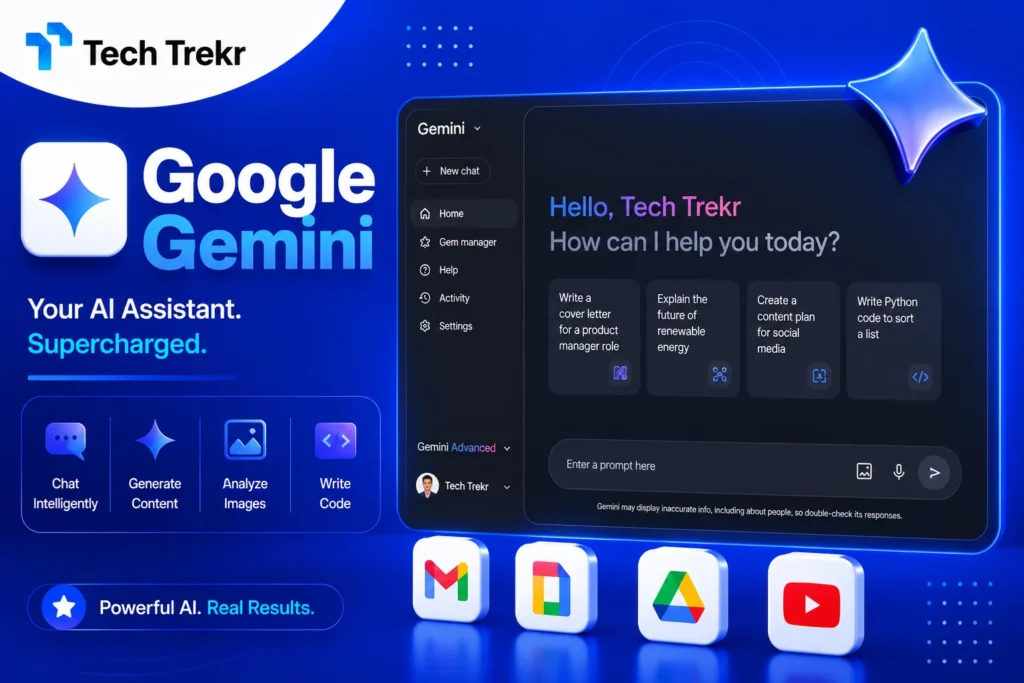
Google Gemini AI: Features, Uses, Pricing & Complete Guide
Artificial intelligence is changing how people search for information, create content, study, work, and manage everyday tasks. Among the many AI assistants available today. Google Gemini has become a major option for people who want AI assistance connected to Google’s broader ecosystem. But what exactly is Gemini, and what can you actually do with it?
Whether you are a student in Pakistan, a content creator in the USA, a digital marketer, or a business owner looking for productivity tools. Gemini can help with tasks such as brainstorming, writing, learning, summarizing information, analyzing files, and working with images. Its capabilities and available features can vary depending on your account, location, device, and plan.
What Is Gemini?
Gemini is Google’s generative AI assistant and family of AI models designed to help users with tasks such as writing, brainstorming, learning, research, summarization, image-related tasks, and more. Users can interact with Gemini through text and, depending on the feature and device, voice, images, files, and camera input. For many users, Gemini is particularly useful because it can connect with parts of Google’s ecosystem and support different types of tasks from a single AI interface.
What Is Google Gemini AI?
Google Gemini is Google’s AI platform designed to provide conversational assistance and generative AI capabilities. Instead of using separate tools for every small task, users can ask Gemini questions, provide instructions, upload information, and request different types of outputs.
For example, you could ask Gemini to:
- Explain a difficult topic in simple language.
- Create an outline for a blog post.
- Summarize information.
- Help improve grammar.
- Brainstorm business ideas.
- Translate text.
- Analyze an image or photo.
- Help with learning and study.
- Generate creative ideas.
- Assist with planning.
Google’s official help resources describe Gemini as useful for writing, brainstorming, learning, planning, summarization, and other everyday tasks. The important point is that Gemini is not simply a traditional search engine. It is a generative AI assistant that creates responses based on your prompts. That means you should still verify important information, particularly for professional, financial, legal, or medical decisions. Google also warns that Gemini can sometimes produce inaccurate information.
Key Features of Gemini
1. AI Writing Assistance
Gemini can help users create first drafts, improve existing text, brainstorm ideas, and organize information. This can be helpful for students, bloggers, marketers, freelancers, and business professionals.
For example, a content writer could ask Gemini to create a blog outline, while a student might use it to simplify a difficult concept. The key is to treat AI output as a starting point rather than automatically publishing everything it generates.

2. Learning and Research Support
Students and lifelong learners can use Gemini to explore topics through conversational questions. Instead of asking only one question, users can continue the conversation and request explanations at different levels.
- A beginner might ask:
“Explain SEO in simple words.”
- Then they could follow up with:
“Give me an example.”
This conversational approach can make complex topics easier to understand. However, users should verify facts when accuracy is important.
3. Image and Visual Understanding
Depending on availability and the feature being used, Gemini can work with visual inputs. Users can provide images or use a camera to ask questions about what they see.
This can be useful for:
- Understanding visual content
- Asking questions about objects
- Getting help with photos
- Analyzing visual information
- Learning from images
Google’s mobile documentation states that users can interact with Gemini through text, voice, photos, and camera input.
4. Mobile AI Assistance
Gemini is available through mobile experiences, including Android and iOS in supported markets. On compatible Android devices, Gemini can also work as a mobile assistant and provide help based on what’s on the screen or through voice interactions. Availability varies by country, language, device, and account. This makes Gemini useful for people who want AI assistance while traveling, studying, working, or completing everyday tasks.
5. Google Ecosystem Integration
One potential advantage of Gemini is its relationship with Google’s ecosystem. Depending on the account and feature availability, users can access integrations and connected services that can make certain workflows more convenient.
Google’s documentation highlights connections with services and products such as Google Workspace and other Google experiences. Some features may depend on account type, location, subscription, or device.
6. File and Information Analysis
Gemini can also be used for working with uploaded information and files where the relevant feature is available. This can help users understand documents, summarize information, or ask questions about provided content.
For students and professionals, this can reduce the time required to manually review large amounts of information.
How Does Gemini Work?
Using Gemini is generally straightforward:
Step 1: Open Gemini
Go to the Gemini web experience or use the Gemini mobile app where available.
Step 2: Sign In if Required
Some Gemini features can be accessed without signing in, while additional capabilities and saved activity may require a Google Account.
Step 3: Enter Your Prompt
Write a clear question or instruction. You can ask for information, explanations, ideas, summaries, or other supported tasks.
Step 4: Add More Context
The quality of an AI response often improves when you explain your goal. Instead of saying:
“Write a blog.”
Try:
“Write a 1,300-word beginner-friendly blog about digital marketing for USA and Pakistan audiences with SEO-focused headings and FAQs.”
Step 5: Review the Response
Read the output carefully. If something is unclear, ask Gemini to explain or improve it.
Step 6: Verify Important Information
Never assume every AI-generated answer is automatically correct. For important decisions, check reliable sources and confirm facts independently.
Gemini for USA and Pakistan Users
Gemini can be useful for different audiences in both the United States and Pakistan.
For USA Users
American students, professionals, entrepreneurs, marketers, and businesses can use Gemini for:
- Content planning
- Research assistance
- Writing support
- Brainstorming
- Productivity
- Learning
- Business planning
- Creative projects
Businesses can also explore AI-assisted workflows, although organizations should carefully review privacy, security, and account policies before sharing sensitive information.
For Pakistan Users
For Pakistani users, Gemini can be useful for:
- Student learning
- English writing improvement
- Freelancing support
- SEO content planning
- Digital marketing
- Business ideas
- Research
- Translation and language assistance
- Productivity
Freelancers can use AI to brainstorm proposals, organize content ideas, and improve communication. However, the final work should always be reviewed and customized to maintain quality and originality. Availability is not identical everywhere. Google’s documentation notes that mobile availability and specific features can depend on language, country, device, and account.
Is Gemini Free?
Gemini has free access options, while Google also offers paid AI plans that can provide expanded access to certain features and models. The exact limits and available capabilities can change over time.
Google states that Gemini Apps use compute-based limits influenced by factors such as prompt complexity, models, features, and conversation length. Paid Google AI plans can provide expanded access, although availability and plan details vary.
For casual users, the free experience may be enough for basic questions, brainstorming, and everyday tasks. More advanced users may consider a paid plan if they need higher limits or access to specific premium capabilities. Because AI plans and limits can change, users should check Google’s current official pricing and subscription information before making a purchase.
Pros and Cons of Gemini
Pros
- Useful for writing and brainstorming
- Supports learning and research tasks
- Works across multiple input types in supported experiences
- Available through web and mobile experiences
- Can connect with parts of Google’s ecosystem
- Helpful for students and professionals
- Offers free access options
- Paid plans provide expanded access to selected features
Cons
- AI responses can contain mistakes
- Some features vary by country and language
- Certain capabilities may require a paid plan
- Availability can differ by device and account
- Users should not rely on AI for critical professional decisions
- Output quality depends heavily on prompt quality
Real-World Uses of Gemini
Gemini can support many practical workflows.
- Students: Explain difficult lessons, summarize topics, brainstorm assignments, and create study materials.
- Content Writers: Generate ideas, create outlines, improve drafts, and brainstorm headlines.
- SEO Professionals: Develop content briefs, organize topic clusters, and brainstorm FAQ questions.
- Digital Marketers: Create campaign ideas, analyze concepts, and develop social media content drafts.
- Businesses: Brainstorm strategies, create internal drafts, and improve productivity.
- Freelancers: Improve proposals, organize workflows, and assist with client communication.
The best results come when users combine AI assistance with human expertise, fact-checking, and editing.
Gemini vs ChatGPT: Which One Should You Choose?
The choice between Gemini and ChatGPT depends on your needs. Gemini may be attractive if you frequently use Google products and want an AI assistant that fits naturally into Google’s ecosystem. ChatGPT may appeal to users who prefer its particular conversational experience and broader range of available workflows.
Instead of asking which tool is universally “better,” consider what you need:
- For Google ecosystem integration: Gemini may be a strong choice.
- For general AI conversations: Compare both tools using your own tasks.
- For content creation: Test both with the same prompts.
- For students: Compare explanations and learning workflows.
- For businesses: Evaluate privacy, administration, integrations, and cost.
The AI landscape changes quickly, so the best tool today may not remain the best option for every use case tomorrow.
FAQS
Is Gemini the same as Google AI?
Gemini is Google’s family of AI models and the name used for its AI assistant experiences. The exact features available depend on the product, account, device, and subscription.
Can I use Gemini for free?
Yes, Gemini offers free access options. However, some advanced features, models, and higher usage limits may require an eligible Google AI plan.
Can Gemini generate images?
Gemini Apps support image-generation and image-editing capabilities in supported experiences, although availability and limits can vary. Google’s Gemini help center includes documentation for generating and editing images.
Is Gemini available in Pakistan?
Gemini availability depends on the specific product, feature, language, device, and account. Google states that Gemini mobile apps are available in more than 150 countries, with availability continuing to expand. Users in Pakistan should check Google’s current availability information for the exact feature they want to use.