
Framer: AI Website Builder, Features, SEO & Pricing
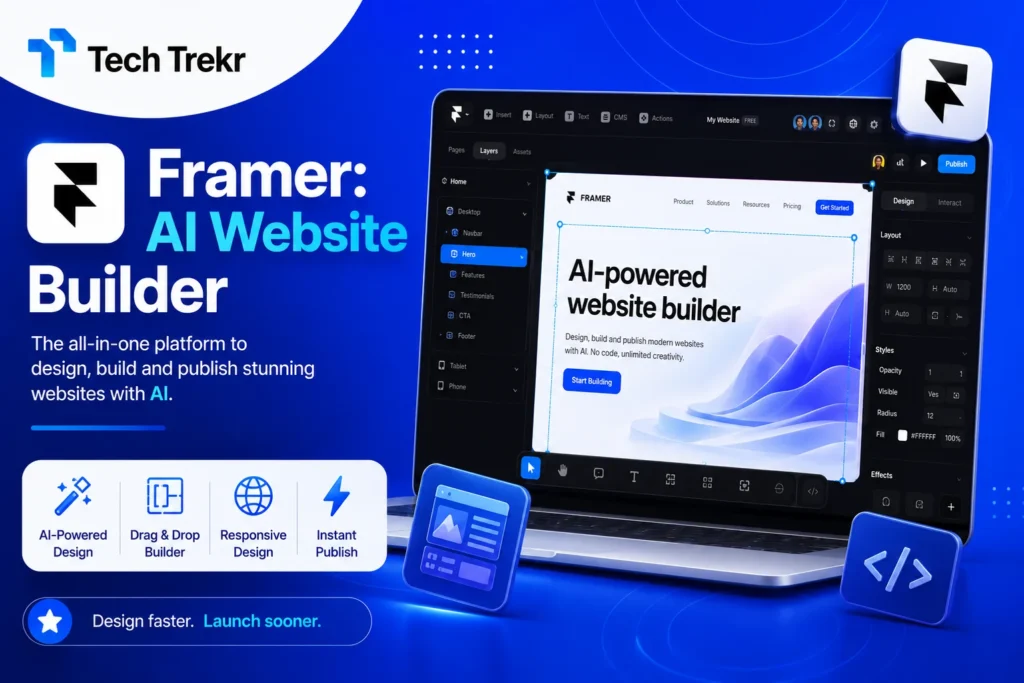
Framer: Build Modern Websites With AI, CMS & SEO Tools
Building a professional website can be difficult when you have to manage design, coding, hosting, content, and SEO separately. For designers, freelancers, startups, and small businesses, the process can take a lot of time and technical knowledge.
This is where Framer comes in. Framer is a visual website builder that helps users design, manage, and publish modern websites from one platform. It combines a flexible design canvas with AI features, a built-in CMS, SEO controls, analytics, hosting, collaboration, and publishing tools.
For users in the USA, Framer can be useful for startups, agencies, freelancers, SaaS companies, portfolios, and marketing websites. In Pakistan, it can also be a practical option for freelance web designers and digital marketers who create websites for local and international clients.
What Is a Framer?
Framer is a visual website builder designed to help people create professional websites without following a traditional coding-heavy development process. Users can work visually on a flexible canvas, create responsive layouts, add animations and interactions, manage content, optimize pages for search engines, and publish their websites. Framer also provides AI-assisted tools that can help users generate website structures, pages, sections, and initial content from prompts.
In simple words, Framer is a website-building platform that brings design, content management, AI assistance, SEO, hosting, and publishing into one workflow. It is particularly attractive to people who care about visual design but still want the functionality required to run a modern website.
What Is Framer Used For?
Framer can be used to create different types of websites and online experiences.
Common examples include:
- Business websites
- Startup websites
- SaaS websites
- Personal portfolios
- Freelancer websites
- Agency websites
- Landing pages
- Marketing websites
- Blogs
- Resource libraries
- Case study pages
- Product pages
- Creative portfolios
For example, a Pakistani freelance designer can use Framer to create a portfolio and showcase web design projects to clients in the USA. Similarly, a US startup can use it to launch a marketing website or landing page without building every part of the website from scratch. Framer’s CMS also supports dynamic content such as blogs, resources, directories, updates, case studies, and other repeatable content types.
How Does Framer Work?
Framer follows a visual website creation workflow.
Step 1: Start With a Website Idea
You can begin with a blank canvas, a design direction, or an AI-assisted prompt. This makes it possible to start building without spending too much time setting up the basic structure.
Step 2: Design the Website
Use the visual canvas to create sections, layouts, typography, buttons, images, and other design elements. You can also work with responsive layouts so the website can adapt to different screen sizes.
Step 3: Add Content
Add your text, images, services, products, blog posts, or other website information. For larger websites, the built-in CMS can help organize repeatable content.
Step 4: Optimize for Search
Add page titles, meta descriptions, structured content, alt text, internal links, and other SEO elements. Framer provides built-in SEO features and automatically supports important elements such as sitemap.xml and robots.txt.
Step 5: Connect Your Domain
Once your website is ready, you can connect a custom domain through an appropriate paid plan and prepare the site for public launch.
Step 6: Publish and Improve
After publishing, you can monitor your website and continue updating its design, content, SEO, and performance.
This workflow can reduce the gap between design and development, which is one reason Framer appeals to designers and marketing teams.

Key Features of Framer
1. Visual Website Design
Framer provides a flexible canvas for creating websites visually. Designers can control layouts, typography, responsive behavior, interactions, and visual effects.
This makes the platform useful for people who want more creative freedom than traditional template-based website builders.
2. AI Website Building
Framer includes AI-assisted website capabilities that can help users generate website structures, pages, sections, copy, and visual directions. Instead of starting with an empty screen, you can describe what you want to create and use AI as a starting point. The generated result can then be edited and refined visually.
AI should be viewed as a productivity assistant rather than a replacement for human design decisions. You still need to review the content, branding, layout, accessibility, and user experience before publishing.
3. Built-In CMS
Framer includes a CMS for managing structured content. This can be useful for blogs, articles, resources, directories, case studies, and other dynamic pages. Instead of manually designing every new page, you can create a content structure and use templates to maintain consistency.
4. SEO Tools
SEO is important for businesses that want organic traffic from Google and other search engines. Framer provides SEO features such as customizable page titles and descriptions, sitemap support, robots.txt, redirects, semantic content controls, and CMS-driven metadata options. Users can also work on structured data and other technical SEO elements.
However, using Framer does not automatically guarantee high Google rankings. Website quality, search intent, content depth, backlinks, technical performance, and overall SEO strategy still matter.
5. Responsive Design
A modern website must work well on desktops, tablets, and mobile devices. Framer allows designers to create responsive layouts and adjust how elements behave at different screen sizes. This is especially important because many users access websites through smartphones.
6. Hosting and Publishing
Framer combines website creation with hosting and publishing. This can simplify the process for teams that do not want to manage multiple services for design, deployment, and hosting.
The platform also provides different plans for users with different requirements, from free experimentation to professional and enterprise-level needs.
7. Collaboration
Teams can work together on design, content, and publishing. This can be useful for agencies, startups, marketing teams, and businesses where multiple people contribute to a website.
Is Framer Free?
Yes, Framer offers a free option that allows users to explore the platform and start building websites. However, users who need features such as custom domains and additional professional capabilities may need a paid plan.
According to Framer’s current pricing page, the listed plans include Free, Basic, Pro, and Enterprise. The Basic plan is listed at $10 per month and the Pro plan at $30 per month when billed under the displayed pricing structure, while Enterprise pricing is custom. Pricing and included limits can change, so users should check the official pricing page before purchasing.
For a beginner, starting with the free option can be a good way to learn the platform before deciding whether an upgrade is necessary.
Is Framer Good for Beginners?
Framer can be a good choice for beginners who prefer visual website creation. People familiar with design tools may find the interface easier to understand than a traditional code-first development workflow. However, beginners may still need time to learn responsive design, CMS organization, SEO, accessibility, and website structure.
If you only want a very basic website, a simpler website builder may be easier. If you want more control over design and are willing to learn the platform. Framer can be a strong option.
Is Framer Good for SEO?
Yes, Framer provides a range of built-in SEO features that can help users create search-ready websites. It supports customizable metadata, sitemap and robots.txt functionality, redirects, semantic elements, CMS-based SEO fields, and other optimization capabilities.
However, SEO success depends on more than the platform. To rank in Google and appear in AI-generated answers, website owners should also focus on:
- Helpful and original content
- Clear search intent
- Strong internal linking
- Relevant keywords
- Good page structure
- Fast performance
- Mobile usability
- Authoritative backlinks
- Trust signals
- Clear answers to user questions
For GEO, AEO, and AIO strategies, content should be structured so both users and AI systems can easily understand the topic.
Who Should Use a Framer?
Framer can be a good fit for:
- Freelancers: Build portfolios and client websites with a visual workflow.
- Designers: Create websites with strong control over layouts and visual details.
- Startups: Launch professional marketing websites and landing pages quickly.
- Agencies: Create websites for clients and manage design and content workflows.
- Small businesses: Build a modern online presence without managing a complex development stack.
- Content teams: Use CMS features to manage blogs and dynamic content.
For Pakistani freelancers, Framer can also be a useful skill to add to a web design or digital marketing service portfolio, particularly when targeting international clients.
Pros and Cons of Framer
Pros
- Visual website creation
- Strong design flexibility
- AI-assisted website workflows
- Built-in CMS
- SEO tools
- Responsive design capabilities
- Hosting and publishing in one ecosystem
- Collaboration features
- Free option for getting started
Cons
- Advanced features may require paid plans
- Beginners may need time to learn the platform
- Some users may prefer WordPress for highly customized plugin ecosystems
- Pricing and plan limits should be reviewed before choosing a plan
- Not every business needs the level of design flexibility Framer provides
Framer vs Traditional Website Builders
The biggest difference is often the balance between design freedom and simplicity. Traditional website builders may focus heavily on templates and straightforward page creation. Framer focuses more strongly on visual control and design flexibility while combining this with CMS, SEO, hosting, and publishing capabilities. This makes Framer particularly attractive to designers, creative agencies, startups, and businesses that want their website to feel highly customized.
FAQS
What is a Framer?
Framer is a visual website builder that allows users to design, manage, optimize, and publish modern websites. It combines design tools with AI assistance, CMS, SEO, hosting, analytics, and publishing features.
Is Framer free?
Framer offers a free plan for getting started. However, features such as using a custom domain may require upgrading to a paid plan. Check current pricing before choosing a subscription.
Can I create a website with Framer?
Yes. You can create business websites, portfolios, landing pages, startup websites, blogs, agency websites, and other web experiences using Framer.
Does Framer require coding?
Framer is designed around visual website creation and no-code workflows, making it possible to build professional websites without traditional coding for many common use cases. Advanced customization may still benefit from technical knowledge.
Is Framer good for SEO?
Yes. Framer provides built-in SEO tools and features including customizable metadata, sitemap and robots.txt support, redirects, semantic elements, and CMS-based SEO controls. However, ranking depends on the complete SEO strategy, not the website platform alone.
Who should use Framer?
Framer is particularly suitable for designers, freelancers, startups, agencies, marketers, and businesses that want visually polished websites with integrated content management and publishing tools.